
Most to-do apps make you do the admin
You type the task, pick the list, set the priority, guess a time — and the app just holds what you told it. Autolist does the admin for you: say what's on your mind and it writes the list, names what comes first, and finds actual slots in your week. And when something won't fit before it's due, it says so — instead of promising a time it cannot keep.
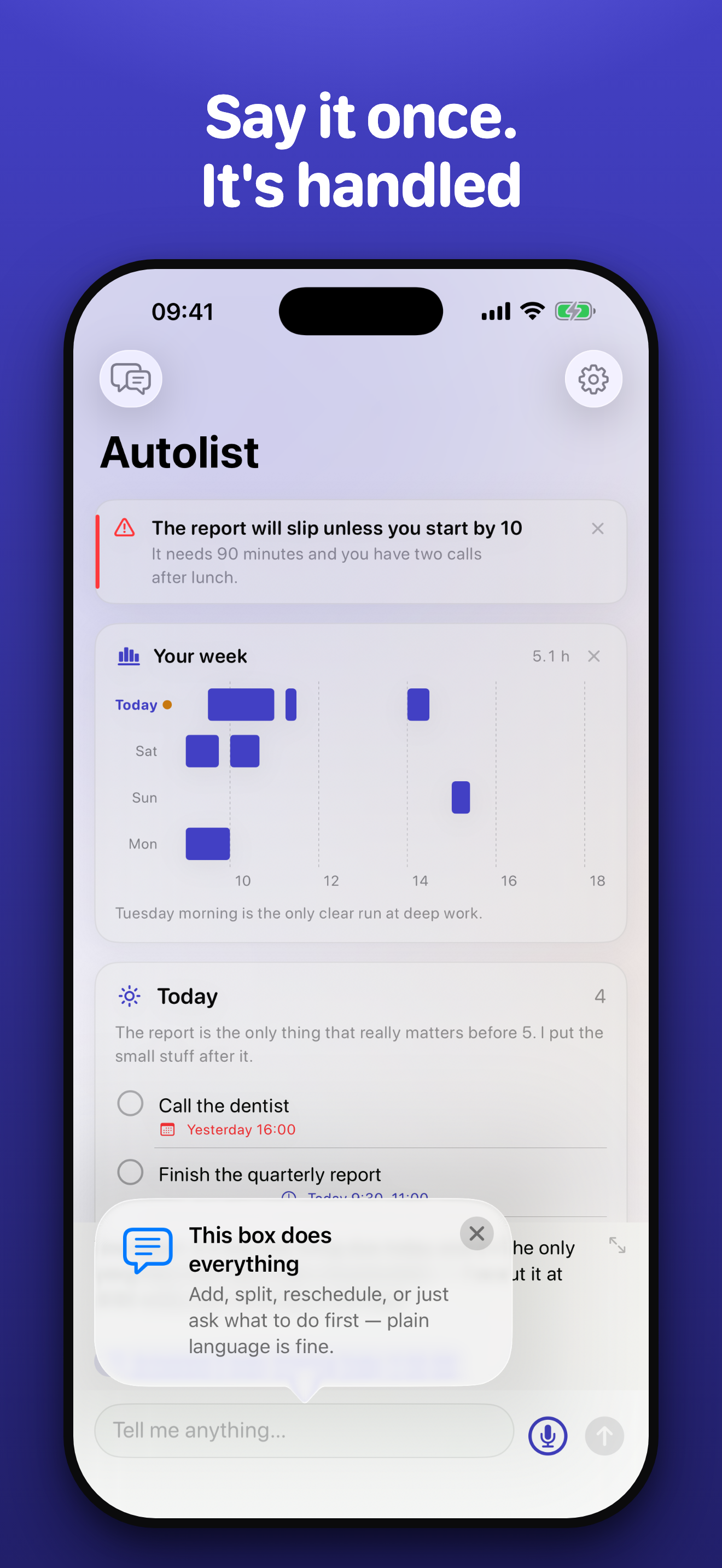
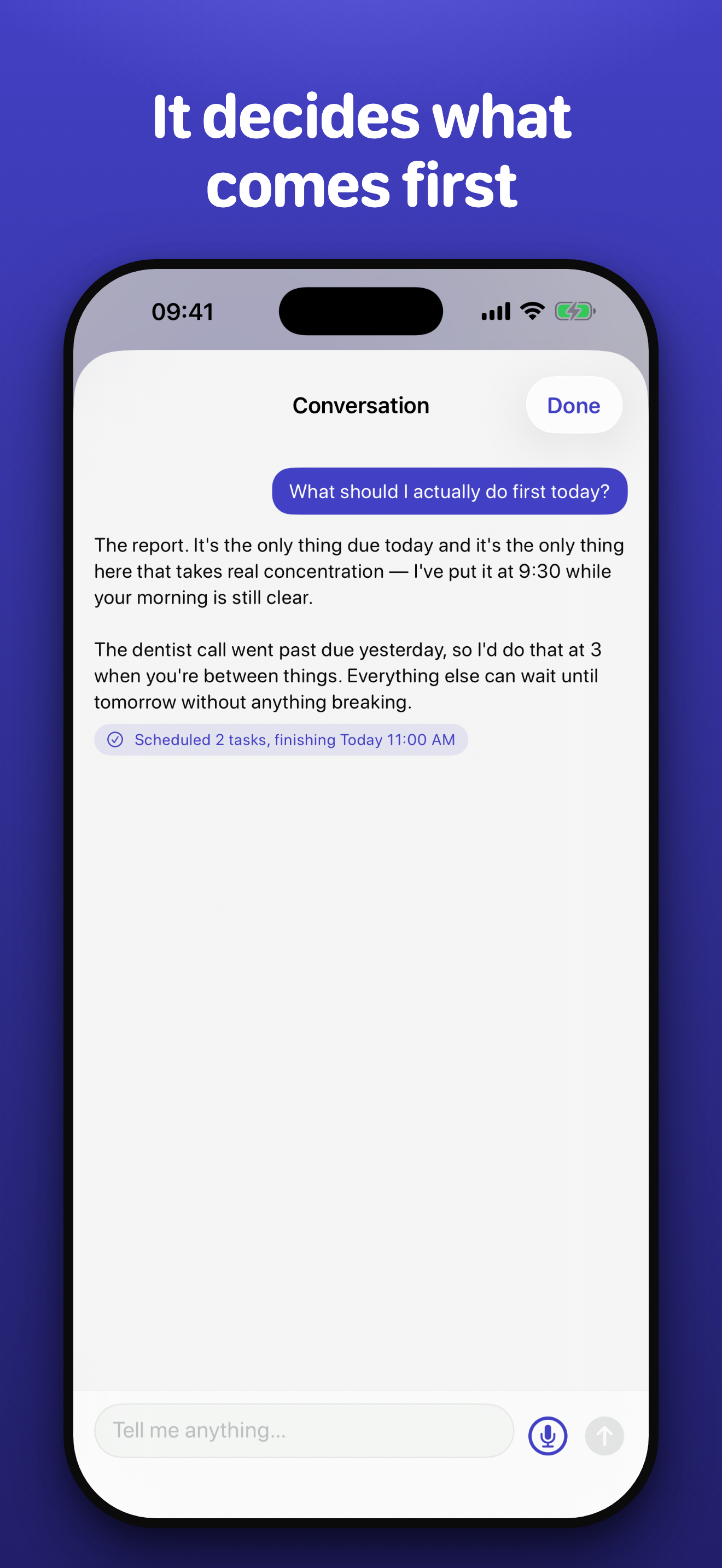
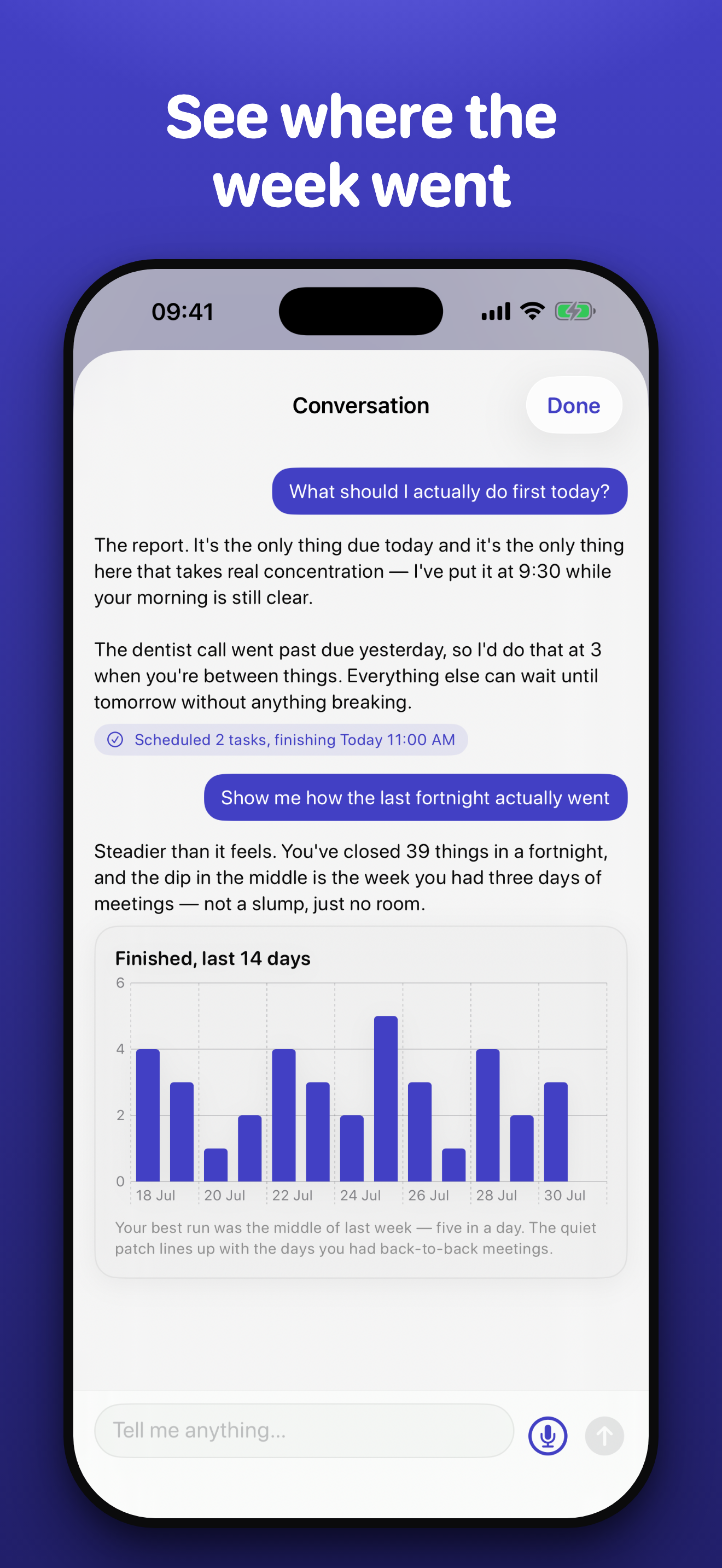
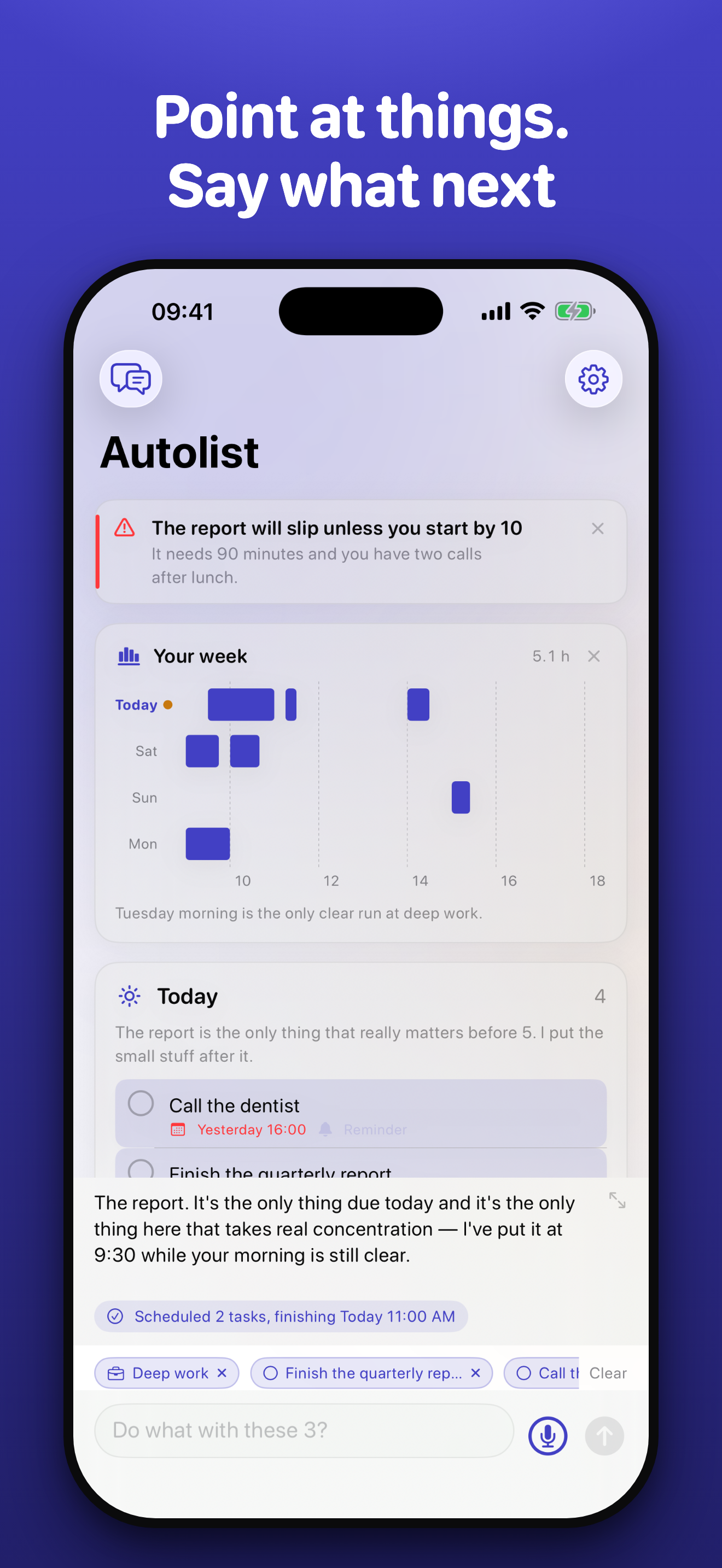
Talk, don't tap."Split my Today list into work and home." "What should I actually do first?" It edits your lists as you talk — and shows every change it made, so nothing happens behind your back.
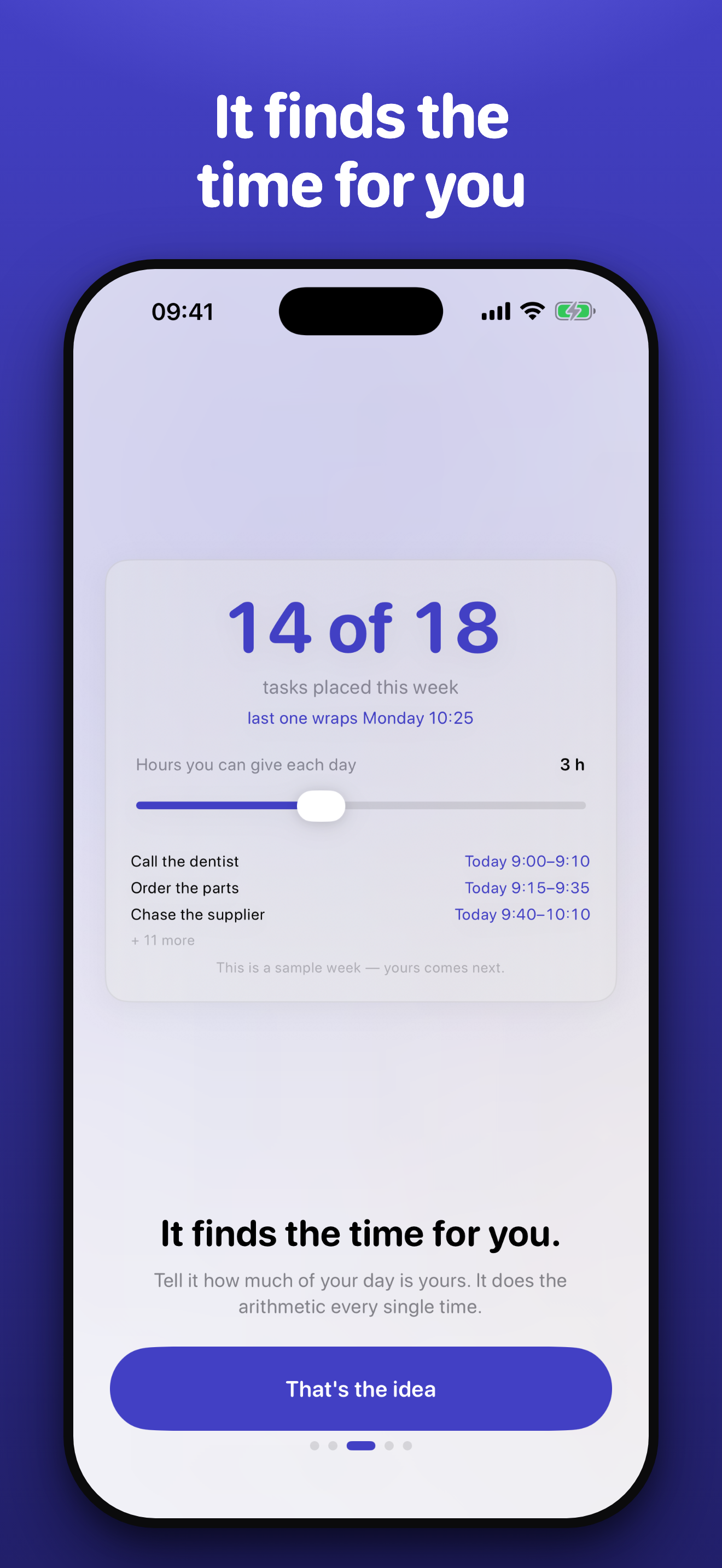
It finds real time.Actual slots, inside the hours you're available, around work already scheduled, before things are due. When it won't fit, it tells you honestly.
It decides, so you don't have to.Ask what matters and it names one thing and tells you why. Overdue work outranks everything — nothing gets lost at the bottom of a long list.
It remembers how you work.Say "never schedule anything before 10" once and it's kept for good. Everything it remembers is listed in Settings, and you can delete any of it.